FIELD GUIDE
Laser Pointer Batteries: Rechargeable and Replaceable Explained
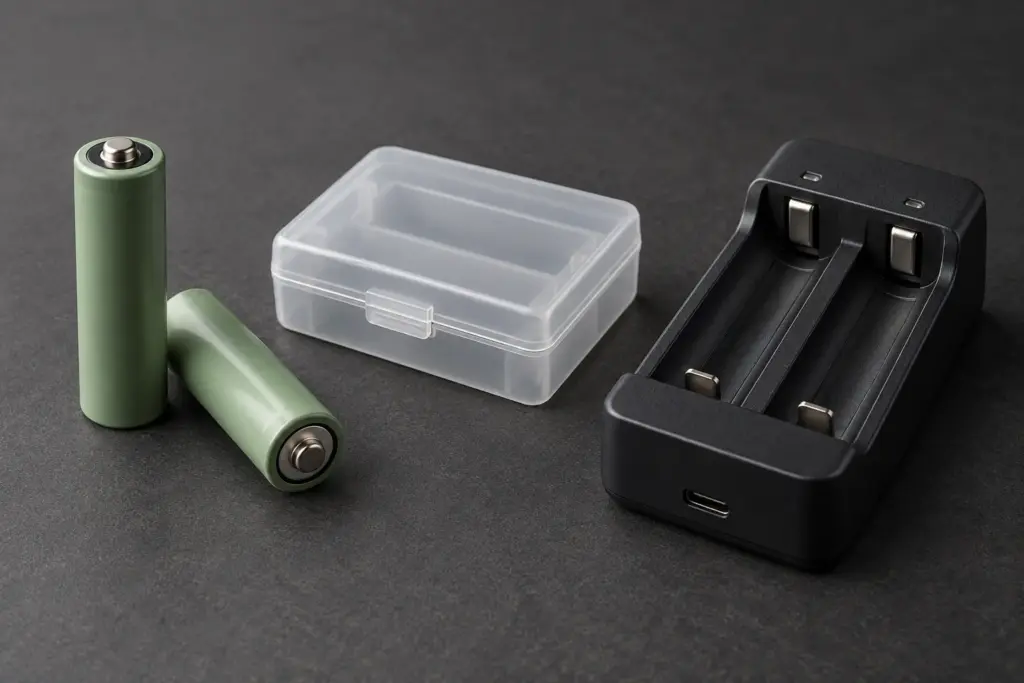
When comparing laser pointers, check two battery features separately: whether you can recharge the battery and whether you can replace it yourself. A rechargeable battery can also be removable. The word “rechargeable” alone does not tell you how the battery fits into the pointer.
For example, Energizer sells rechargeable AAA cells. A familiar replaceable battery format can therefore be rechargeable. Compatibility still depends on the particular pointer. Check the device’s specified battery type before choosing replacements.
Compare the routine each design requires
Use the product instructions to place a pointer in the appropriate row. These are purchase questions, not instructions to open a device.
| Documented battery arrangement | What to plan for | What to confirm before buying |
|---|---|---|
| Rechargeable, not user-replaceable | Charging the device between uses | Required cable or dock, charging time, and the service process when the battery wears out |
| Rechargeable, user-replaceable | Charging the specified cell and keeping track of its charger | Exact replacement cell and whether charging happens inside the device or in a separate charger |
| Replaceable, non-rechargeable | Keeping the specified replacement batteries available | Battery type, number of cells, and what is supplied with the purchase |
If you want to swap batteries during an outing, documented user replacement is the relevant feature. If you would rather charge the device between uses, compare the supplied charging equipment and the time it takes to recharge. Neither preference establishes which pointer has better beam performance.
Check what “battery life” measures
A presentation remote may still control slides after a low battery has disabled its laser. Logitech’s R500s support guide describes a low-battery mode that disables the laser while allowing presentation control to continue. Its overall battery-life claim therefore should not be read as continuous laser-on time.
When comparing listings, look for the activity behind the number: continuous pointing, occasional button presses, or standby. If the description does not say, leave that comparison unresolved. A longer headline figure is not enough to rank two products measured in different ways.
If you also need slide controls, start with our laser pointer and presentation remote comparison before comparing their batteries.
What Light Tracer currently lists
The Light Tracer product page lists a rechargeable battery and an included USB charger. Those details describe the supplied charging setup; they do not by themselves identify an approved replacement cell, establish user replacement, or specify a full charging time. Do not choose a spare battery from a generic laser-pointer guide.
For the other specifications to compare, see our green laser pointer buying guide.
Five questions to settle before ordering
- What exact battery type does this model use?
- Can the owner replace it, and where are the model-specific instructions?
- Does it charge in the pointer or in a separate charger, and what equipment is included?
- What does the quoted runtime measure?
- If the battery or charger needs replacement later, what compatible part or service does the seller provide?
Record the answers for each model you are considering. Choose the arrangement that fits your charging access and replacement needs, and resolve any missing information that would change your purchase decision.